GDScript vs C# in Godot - Which Should You Use?
You have picked Godot. If you read my Godot vs Unity comparison, maybe that post helped you get there. Now comes the next question, and forums argue about it endlessly: GDScript vs C#?
Most answers fall into two camps. One says "GDScript, obviously, it is built for Godot". The other says "C#, obviously, it is faster and a real language". Both skip the part that matters: which one fits your game, your background and your target platforms.
This post compares Godot C# vs GDScript across the things that actually affect a project: syntax, iteration speed, performance, platform support, tooling, the ecosystem, and careers. There is a benchmark you can run yourself instead of trusting someone else's numbers, and a clear recommendation at the end.
1. The Short Answer
If you want the verdict before the details:
- Choose GDScript if you are new to Godot, new to programming, making a 2D or small 3D game, targeting the web, or you value fast iteration above everything else.
- Choose C# if you already know C# (for example from Unity), your game has heavy simulation or algorithmic code, you want the .NET library ecosystem, or you want strong static tooling on a large codebase.
- Use both if part of your game is performance critical. Godot lets you mix them in one project, and many teams do.
The rest of this post explains why.
2. What Each Language Is
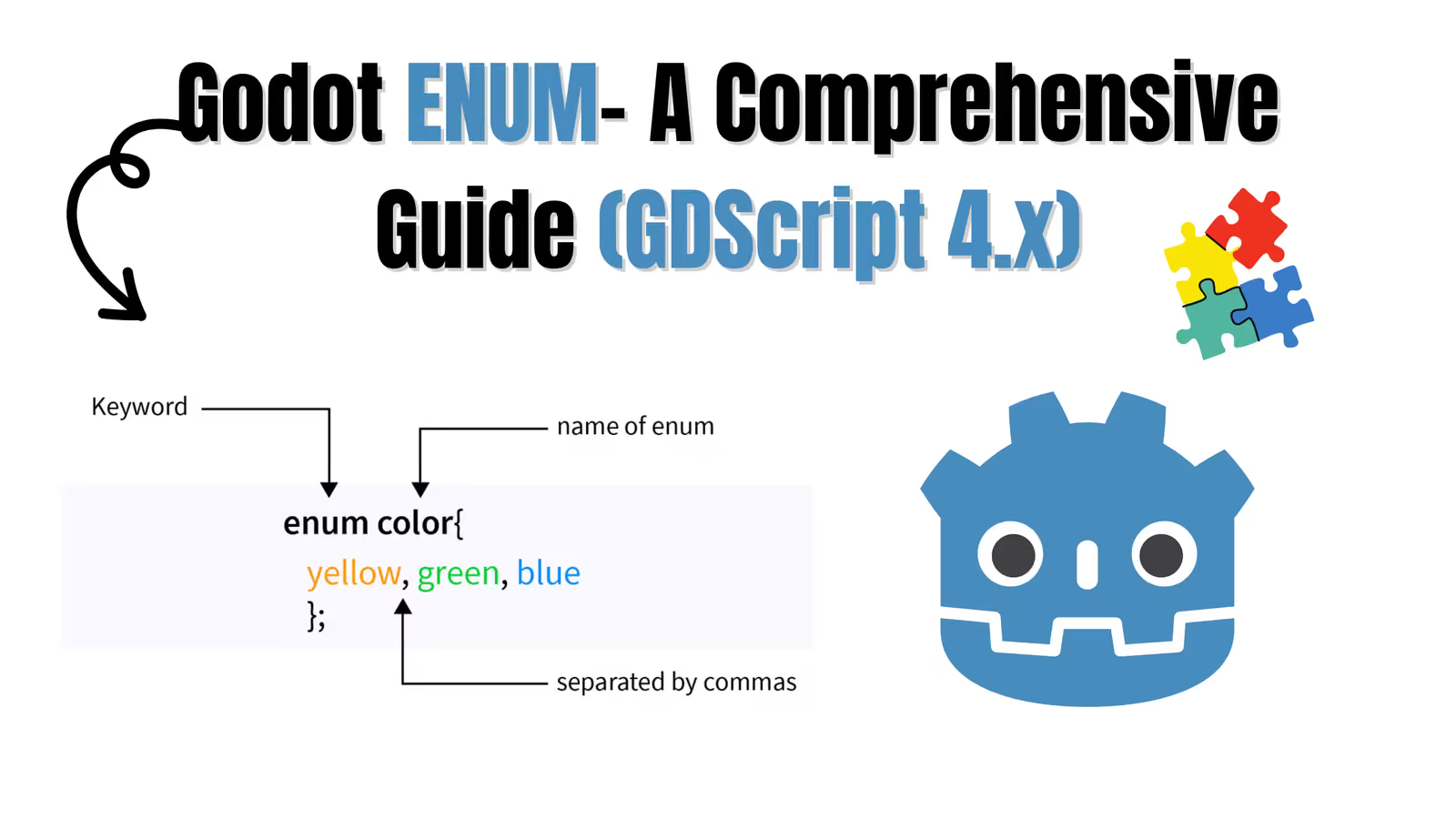
GDScript is Godot's own scripting language. It is dynamically typed with optional static typing, has Python-like indentation syntax, and is designed around the engine: nodes, signals, @export and @onready are part of the language itself. It runs inside Godot, and you edit it in Godot's built-in editor (or VS Code with the Godot extension).
C# is Microsoft's general-purpose, statically typed language running on .NET. Godot supports it through a separate .NET build of the editor. Your C# code compiles to .NET assemblies and talks to the engine through generated bindings. You typically write it in Visual Studio, VS Code or JetBrains Rider.
One practical detail that surprises people: the standard Godot download does not include C# support. You need the .NET version of the editor and a compatible .NET SDK installed. Check the Godot documentation for the SDK version your Godot release expects.
3. Syntax Side by Side
The same player movement script in both languages:
gdscript# player.gd extends CharacterBody2D signal health_changed(new_health: int) @export var speed := 200.0 var health := 100 func _physics_process(_delta: float) -> void: var direction := Input.get_vector("move_left", "move_right", "move_up", "move_down") velocity = direction * speed move_and_slide() func take_damage(amount: int) -> void: health -= amount health_changed.emit(health)
csharp// Player.cs using Godot; public partial class Player : CharacterBody2D { [Signal] public delegate void HealthChangedEventHandler(int newHealth); [Export] public float Speed { get; set; } = 200.0f; private int _health = 100; public override void _PhysicsProcess(double delta) { Vector2 direction = Input.GetVector("move_left", "move_right", "move_up", "move_down"); Velocity = direction * Speed; MoveAndSlide(); } public void TakeDamage(int amount) { _health -= amount; EmitSignal(SignalName.HealthChanged, _health); } }
Differences worth noticing:
- Length: GDScript is roughly half the lines for the same behavior. Engine concepts like signals and exports are keywords, not attributes and delegates.
- Naming: C# uses PascalCase for engine API (
MoveAndSlide,GetVector,_PhysicsProcess), GDScript uses snake_case (move_and_slide,get_vector,_physics_process). Godot's docs show both. partialclasses: every C# script class that extends a Godot type must bepartial, because Godot's source generators add code to it.- Signals: in C#, a signal is a delegate ending in
EventHandler. You can connect withplayer.HealthChanged += OnHealthChanged;which feels natural to C# developers. In GDScript it isplayer.health_changed.connect(_on_health_changed). My Godot Signals guide covers the GDScript side in depth.
4. Iteration Speed and Workflow
This is where GDScript wins most clearly, and for many games it matters more than raw performance.
GDScript
- No compile step. Save the file and run.
- Edit scripts while the game is running and see many changes applied live.
- The built-in editor knows your scene tree: drag a node into the script to get its path, autocomplete node names, jump to documentation with a click.
- Typed GDScript gives you most of the autocomplete and error checking you would expect from a static language.
C#
- Every change needs a build. It is usually a few seconds, but you feel it hundreds of times a day.
- Hot reload of changes while the game runs is more limited than with GDScript.
- In exchange, you get a full IDE: refactoring across files, rename symbol, find all references, a mature debugger, and analyzers that catch bugs before you ever run the game.
On a small team prototyping gameplay, GDScript's loop is noticeably faster. On a large codebase with many developers, C#'s tooling starts paying for itself.
5. Performance (Godot C# Performance)
This is the section everyone skips to, so let's be precise, because "C# is faster" is true but incomplete.
Where C# Is Faster
For pure computation that stays inside your script (math-heavy loops, pathfinding over your own data structures, procedural generation, simulation, custom physics), C# is significantly faster than GDScript. .NET compiles to optimized native code, while GDScript runs on a bytecode virtual machine. Reported differences for tight numeric loops are commonly several times faster, and larger in some cases.
Where the Difference Mostly Disappears
Most game code is not like that. It calls into the engine: move this body, play that animation, check that raycast. The heavy lifting happens inside Godot's C++ core, which is equally fast no matter which language called it. Each call also has to cross from your language into the engine, and that boundary has a cost in both languages. For code dominated by engine calls, the language you wrote it in barely matters.
Typed GDScript Is Faster Than Untyped GDScript
In Godot 4, adding static types (var speed: float, func move(dir: Vector2) -> void) lets the VM use faster, type-specific instructions. If you choose GDScript, type your code. It is faster, and the editor catches more mistakes. You can even make untyped code a warning or error in Project Settings > Debug > GDScript.
Run the Benchmark Yourself
Numbers vary between Godot versions, hardware and export settings, so measure on your own machine instead of trusting a table from a blog post (including this one). Put these two scripts on nodes in an empty scene:
gdscript# bench.gd extends Node func _ready() -> void: var start := Time.get_ticks_usec() var total := 0.0 for i in 10_000_000: total += sqrt(float(i)) * 0.5 var elapsed := (Time.get_ticks_usec() - start) / 1000.0 print("GDScript: %.1f ms (result %.1f)" % [elapsed, total])
csharp// Bench.cs using Godot; public partial class Bench : Node { public override void _Ready() { ulong start = Time.GetTicksUsec(); double total = 0.0; for (int i = 0; i < 10_000_000; i++) { total += Mathf.Sqrt((double)i) * 0.5; } double elapsed = (Time.GetTicksUsec() - start) / 1000.0; GD.Print($"C#: {elapsed:F1} ms (result {total:F1})"); } }
Run each a few times and compare, ideally in an exported release build rather than the editor. Then change the loop body to call an engine method, such as moving a node, and run it again. Watching the gap shrink teaches you more about Godot C# performance than any benchmark article.
The Third Option: GDExtension
If one hot system is too slow in GDScript and you do not want to move the whole project to C#, you can write just that system in C++ (or Rust, via community bindings) with GDExtension and call it from GDScript. It is more setup, but it keeps the rest of the game in GDScript.
6. Platform Support
Check this before you commit, because it can decide the question for you.
- GDScript runs on every platform Godot exports to: Windows, macOS, Linux, Android, iOS and the web.
- C# in Godot 4 exports to desktop, and Android and iOS support arrived later and has been marked experimental. Web export for C# projects has not been available in Godot 4 for most of its life, while GDScript exports to the web without issue.
Platform support for C# is improving from release to release, so verify the current state in the Godot documentation and release notes for your exact version. If you plan to ship on itch.io as a browser game, or put a playable demo on the web, this point alone may settle it.
7. Ecosystem and Libraries
GDScript has the Godot Asset Library and most community tutorials, examples and plugins. Nearly every Godot answer on forums and in the docs has GDScript code.
C# gives you access to NuGet and the wider .NET world: JSON libraries, networking, databases, math and AI packages, test frameworks such as xUnit or NUnit, and years of general C# knowledge on the web. Godot-specific C# resources are fewer than GDScript ones, but the gap has narrowed a lot, and the official docs show C# alongside GDScript for most examples.
8. Learning Curve
- New to programming: GDScript. The syntax is friendly, there is no build system, and you learn Godot concepts directly instead of learning .NET at the same time.
- Know Python: GDScript will feel familiar within an hour. (If you are coming from Python, my Python Switch Statement guide and the Godot Match Statement guide show how similar the two languages feel.)
- Know C# or Unity: C# lets you be productive immediately. You only need to learn Godot's node and scene model, not a new language. Many Unity developers still end up enjoying GDScript for quick gameplay scripting after a few weeks.
9. Careers and Transferable Skills
C# is used across game development (Unity), business software, web backends and tools. Time spent writing C# in Godot strengthens a skill you can use outside of Godot.
GDScript is only used in Godot. That said, the valuable skills in game development are mostly language independent: architecture, state machines, signals and events, save systems, game feel. If you learn those well in GDScript, switching languages later is the easy part.
10. Mixing GDScript and C# in One Project
With the .NET build of Godot, one project can contain both languages. A C# node and a GDScript node can live in the same scene, connect to each other's signals, and call each other's methods:
csharp// Calling a GDScript method from C# Node enemy = GetNode("Enemy"); // enemy.gd attached enemy.Call("take_damage", 25);
gdscript# Calling a C# method from GDScript $Player.TakeDamage(25)
A common, sensible split:
- GDScript for gameplay glue, UI, level scripts, prototypes, tool scripts.
- C# for performance-critical systems, complex data processing, or where you want a specific .NET library.
The downside is two sets of conventions (snake_case and PascalCase) and cross-language calls that the editor cannot fully type check. Keep the boundary small and well defined.
11. Full Comparison Table
| GDScript | C# | |
|---|---|---|
| Setup | Included in standard Godot | Needs the .NET editor build and a .NET SDK |
| Syntax | Python-like, concise | C-style, more verbose |
| Typing | Dynamic, optional static types | Static |
| Compile step | None | Build on every change |
| Live editing while running | Strong | More limited |
| Raw compute performance | Slower | Much faster |
| Engine-call heavy code | Similar | Similar |
| Web export (Godot 4) | Yes | Check current status, historically no |
| Mobile export | Yes | Supported later, check current status |
| IDE and refactoring | Good built-in editor | Excellent (Rider, Visual Studio, VS Code) |
| Libraries | Godot Asset Library | Godot assets plus NuGet |
| Docs and tutorials | Most abundant | Good and growing |
| Skill transfer outside Godot | Low | High |
12. Frequently Asked Questions
Is C# faster than GDScript in Godot 4?
Yes, for computation inside your own code, often by several times. For code that mostly calls engine functions, the difference is small because the engine does the work in C++ either way. Measure your actual bottleneck before switching languages for speed.
Is GDScript going away?
No. GDScript is Godot's primary language and gets improvements in almost every release. C# is a fully supported alternative, not a replacement.
Can I switch from GDScript to C# later?
Yes, script by script. Because both languages can live in one project, you can move a single slow system to C# without touching the rest. The reverse is also possible.
Should Unity developers use C# in Godot?
It is the fastest way to be productive, especially for code you are porting. Check platform support first, and try GDScript for small gameplay scripts too. Many developers who move from Unity end up using both.
Which language do the Godot docs use?
Both. Most pages show GDScript and C# examples in tabs. GDScript examples are the most complete, and a few newer or niche pages may only show GDScript.
Does the language affect my game's file size?
Yes. A C# export bundles the .NET runtime pieces it needs, so builds are larger than a GDScript-only export. For desktop games this rarely matters. For web or mobile it can.
Conclusion
GDScript vs C# is not a question of which language is better, but which one fits the game in front of you. GDScript gives you the fastest iteration loop, the widest platform support including the web, and the most tutorials. C# gives you much faster raw computation, a mature IDE and .NET ecosystem, and skills that transfer beyond Godot.
If you are unsure, start with typed GDScript. It will take you further than most people expect, and if one system ever becomes a bottleneck, you can rewrite just that system in C# or GDExtension without abandoning the rest of your project.
Follow and Support me on Medium and Patreon. Clap and Comment on Medium Posts if you find this helpful for you. Thanks for reading it!!!