Godot Match Statement - Switch Case in GDScript
If you are coming to Godot from C#, JavaScript or C++, one of the first things you will search for is the Godot switch statement. You will not find a switch keyword in GDScript. What you get instead is match, and once you learn it you will probably prefer it. It does everything a switch case does, and then keeps going: it can match arrays, dictionaries, several values at once, and it can pull values out of the data it matches.
I wrote about the same question for Python in my Python Switch Statement guide. GDScript's story is simpler: there is one built-in answer, and this post covers all of it, with examples written for Godot 4.
1. The Basic Syntax
A match statement compares one value against a list of patterns, top to bottom, and runs the block of the first pattern that matches.
gdscriptfunc describe(number: int) -> String: match number: 1: return "one" 2: return "two" 3: return "three" _: return "something else"
The pieces map neatly onto a classic switch:
| Switch case (C-style) | GDScript match |
|---|---|
switch (value) | match value: |
case 1: | 1: |
default: | _: |
break; | Not needed, there is no fallthrough |
Short branches can sit on one line after the colon:
gdscriptmatch direction: "left": velocity.x = -speed "right": velocity.x = speed _: velocity.x = 0
2. No Fallthrough, No break
In C-like languages, forgetting break makes execution fall into the next case. GDScript does not do that. Exactly one branch runs, and then execution continues after the whole match block.
This also means break and continue inside a match do not do anything match-specific. If the match is inside a loop, they apply to the loop:
gdscriptfor item in inventory: match item.type: "junk": continue # skips to the next item in the for loop "key": unlock_door() break # exits the for loop entirely _: display(item)
If you are reading Godot 3 code, you may see continue used inside match to test the next pattern. That fallthrough behavior was removed in Godot 4. To run the same code for several values, list them in one pattern, which is covered next.
3. Multiple Values in One Branch
Separate values with commas to handle them together, the equivalent of stacking several case labels:
gdscriptfunc is_weekend(day: String) -> bool: match day: "Saturday", "Sunday": return true _: return false
gdscriptmatch key_code: KEY_W, KEY_UP: move(Vector2.UP) KEY_S, KEY_DOWN: move(Vector2.DOWN)
4. Constant and Expression Patterns
A pattern does not have to be a literal. Any constant expression works, including named constants, built-in constants and enum values.
gdscriptconst MAX_LEVEL := 50 func level_title(level: int) -> String: match level: 1: return "Beginner" MAX_LEVEL: return "Master" _: return "Adventurer"
5. Match with Enums (The Most Common Use)
In real projects most match statements switch on an enum. It is readable, the editor autocompletes the names, and adding a default branch protects you when a new enum member appears later.
gdscriptenum Weapon { SWORD, BOW, STAFF } func attack(weapon: Weapon) -> void: match weapon: Weapon.SWORD: swing() Weapon.BOW: shoot_arrow() Weapon.STAFF: cast_spell() _: push_warning("Unhandled weapon: %s" % weapon)
Enums deserve their own article, and they have one: see the Godot Enum guide for typed enums, explicit values and bitflags.
6. The Wildcard Pattern _
The underscore matches anything. Use it as the default branch, and always put it last. Because patterns are checked top to bottom, anything written after _ can never run.
gdscriptmatch response_code: 200: handle_success() 404: show_not_found() _: show_generic_error()
A missing _ branch is not an error. If nothing matches, the match does nothing and execution moves on. That silence is exactly why it is worth adding a default that logs a warning while you develop.
7. Binding Patterns: Capture the Value
A binding pattern introduces a new variable that receives the matched value. On its own, it behaves like a wildcard that gives you a name to work with:
gdscriptmatch command: "quit": get_tree().quit() var unknown: print("Unknown command: ", unknown)
Binding really pays off inside array and dictionary patterns, where you capture just the parts you need.
8. Array Patterns
An array pattern matches when the value is an Array with the same size and each element matches the corresponding sub-pattern.
gdscriptfunc parse(cmd: Array) -> void: match cmd: []: print("Empty command") ["jump"]: jump() ["move", var x, var y]: move_to(Vector2(x, y)) ["say", var text]: show_bubble(text) _: print("Could not parse ", cmd)
Add .. as the last element to make the pattern open ended, so it matches arrays with more elements than you listed:
gdscriptmatch event_data: ["damage", var amount, ..]: take_damage(amount) # extra elements are ignored
This is extremely handy for console commands, simple network messages and dialog scripts. For a refresher on array methods themselves, see my Godot Array guide.
9. Dictionary Patterns
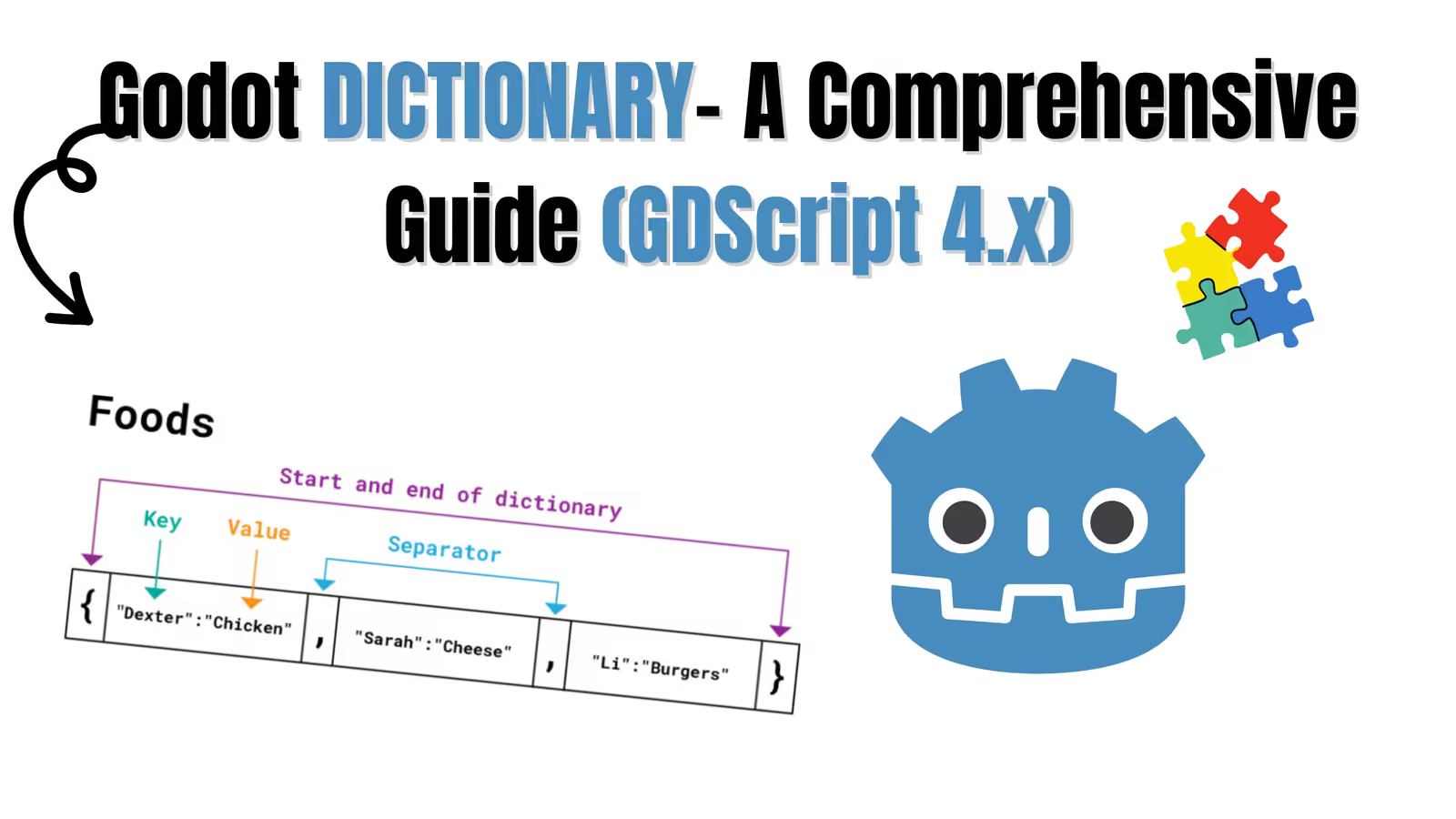
Dictionary patterns work the same way. The keys must be constants, and each value can be a sub-pattern or a binding. Without .., the dictionary must have exactly the listed keys.
gdscriptfunc use_item(item: Dictionary) -> void: match item: {"type": "potion", "heal": var amount}: heal(amount) {"type": "key", "door_id": var id}: open_door(id) {"type": "scroll", ..}: read_scroll(item) _: print("Cannot use this item")
You can also match only on the presence of a key by leaving the value out: {"quest_id"} matches any dictionary with exactly that one key. In practice you will almost always add .. so extra keys do not break the match. For more on building these structures, see the Godot Dictionary guide.
10. Pattern Guards with when
Godot 4.3 added pattern guards: an extra condition after a pattern using the when keyword. The branch runs only if the pattern matches and the condition is true. This covers the "range" cases that used to force you back to if/elif.
gdscriptfunc grade(score: int) -> String: match score: var s when s >= 90: return "A" var s when s >= 80: return "B" var s when s >= 70: return "C" _: return "F"
Guards can use any expression, including variables bound in the pattern:
gdscriptmatch hit: {"target": var t, "damage": var d} when t.is_in_group("bosses"): t.take_damage(d / 2) {"target": var t, "damage": var d}: t.take_damage(d)
If you are on Godot 4.2 or older, when is a parse error, so use if/elif for ranges instead.
11. Match Is Strict About Types
match compares types as well as values. A String does not match an int, even if they look alike:
gdscriptvar level_id = "3" # a String, maybe read from a file match level_id: 3: print("never printed") "3": print("this one matches")
This bites people when data comes from JSON or user input. Convert first (int(level_id)) and then match. It is also a strong argument for typed variables, which let the editor warn you before you ever run the game.
12. match vs if/elif vs Dictionary Lookup
match is not always the right tool. Here is how I decide:
| Situation | Best choice | Why |
|---|---|---|
| Branching on an enum or a small set of constants | match | Readable, checked top to bottom |
| Destructuring arrays or dictionaries | match | Nothing else does this cleanly |
| Numeric ranges on Godot 4.2 or older | if/elif | No guards available |
| Several unrelated conditions | if/elif | match tests only one value |
| Mapping a key to data (colors, damage, labels) | Dictionary lookup | No branching needed at all |
That last row matters. If every branch just returns a value, a dictionary is shorter and easier to extend:
gdscript# Instead of a match that only returns values... const RARITY_COLORS := { "common": Color.WHITE, "rare": Color.DODGER_BLUE, "epic": Color.MEDIUM_PURPLE, } func rarity_color(rarity: String) -> Color: return RARITY_COLORS.get(rarity, Color.GRAY)
13. A Real Example: Enemy AI with match
Here is match doing what it does best in a game: driving behavior from an enum state. This is the simplest form of a state machine.
gdscriptextends CharacterBody2D enum State { IDLE, PATROL, CHASE, ATTACK } var state: State = State.IDLE @export var speed := 80.0 func _physics_process(delta: float) -> void: match state: State.IDLE: velocity = Vector2.ZERO if can_see_player(): state = State.CHASE State.PATROL: patrol(delta) State.CHASE: velocity = global_position.direction_to(player.global_position) * speed if in_attack_range(): state = State.ATTACK State.ATTACK: attack() move_and_slide()
Once each state grows beyond a few lines, this single function gets hard to manage. That is the point where you move to a proper state machine, which I walk through in the Godot State Machine tutorial.
14. Common Mistakes
| Mistake | Symptom | Fix |
|---|---|---|
Putting _ before other patterns | Later branches never run | Keep _ last |
| Expecting fallthrough like C | Only one branch runs | List values together: 1, 2, 3: |
| Matching a String against an int | Nothing matches | Convert the value first |
Dictionary pattern without .. | Fails when extra keys exist | Add .. at the end |
Using when on Godot 4.2 | Parse error | Upgrade, or use if/elif |
Using continue for fallthrough (Godot 3 habit) | Skips the enclosing loop instead | Combine patterns |
15. Frequently Asked Questions
Does GDScript have a switch statement?
Not by that name. match is GDScript's switch case, and it is more powerful than a traditional switch.
Is match faster than if/elif?
For a handful of branches the difference is too small to matter. Choose the one that reads better. If a branch is on a hot path, profile before optimizing.
Can I match on types, like "is this a Node2D"?
Not directly with a pattern. Use is checks in if statements, or on Godot 4.3 and newer, a guard: var n when n is Node2D:.
Can I match several variables at once?
Wrap them in an array and match the array:
gdscriptmatch [is_on_floor(), Input.is_action_pressed("jump")]: [true, true]: jump() [false, _]: apply_gravity()
What happens if no pattern matches and there is no _?
Nothing. The match block is skipped silently. Add a _ branch with a warning during development so you notice unhandled values.
Conclusion
The Godot match statement is GDScript's switch case, with extras. Use plain value patterns and enums for everyday branching, comma separated patterns instead of fallthrough, array and dictionary patterns to pull data apart, and when guards (Godot 4.3+) for ranges and extra conditions. Keep _ at the bottom as a safety net, and reach for a dictionary instead whenever every branch only returns a value.
Follow and Support me on Medium and Patreon. Clap and Comment on Medium Posts if you find this helpful for you. Thanks for reading it!!!